

OTC trading of Swap Tokens
In order to lock in the fixed yield from underwriting a particular market, the liquidity provider must sell their Cork Swap Tokens in exchange for a premium. Meanwhile, for hedgers to gain access to Swap Tokens, they need a mechanism to transfer their premium payment in exchange for the Swap Tokens. Airswap OTC is battle tested tool which enables such transactions to be made. This guide will explain how to make and take orders on Airswap OTC.
Making an order
Navigate to https://www.airswap.xyz/otc and press start now
Press "make an order"
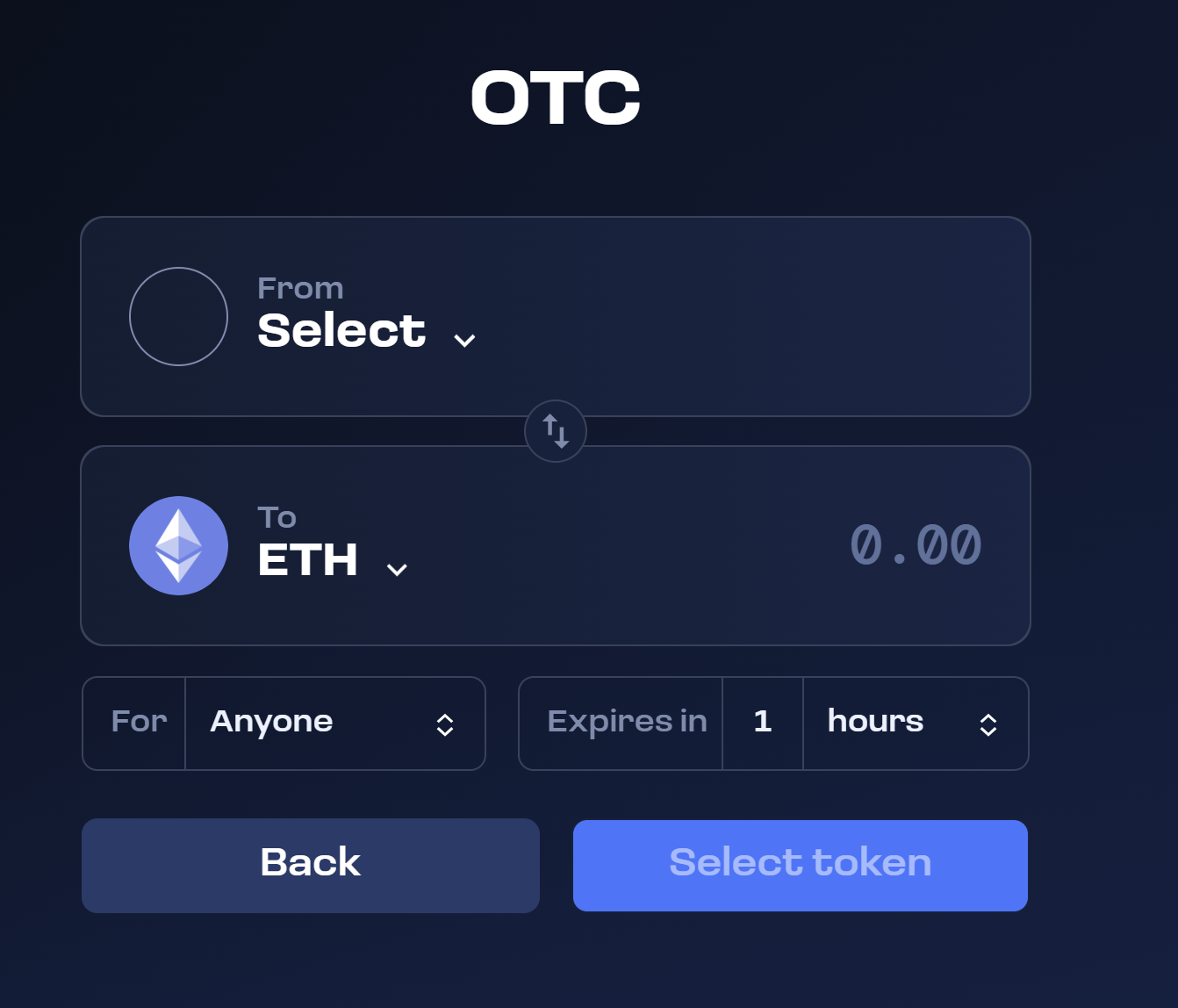
Press "From - Select" and insert the token address of the Cork Swap Token. This can be collected in the dapp in the "Airswap Instructions" page in the mint flow, but can be confirmed separately by the Cork team.
Press "To - ETH" and select the desired payment token, for example USDC.
Press "For" and select "Specific Taker", to enable only one counterparty to take the order. Insert the wallet address of the taker.
Press "Expires in" and adjust (recommended to approximately 3 days) to enable the taker to complete the order.
Press Continue to advance to the next screen.
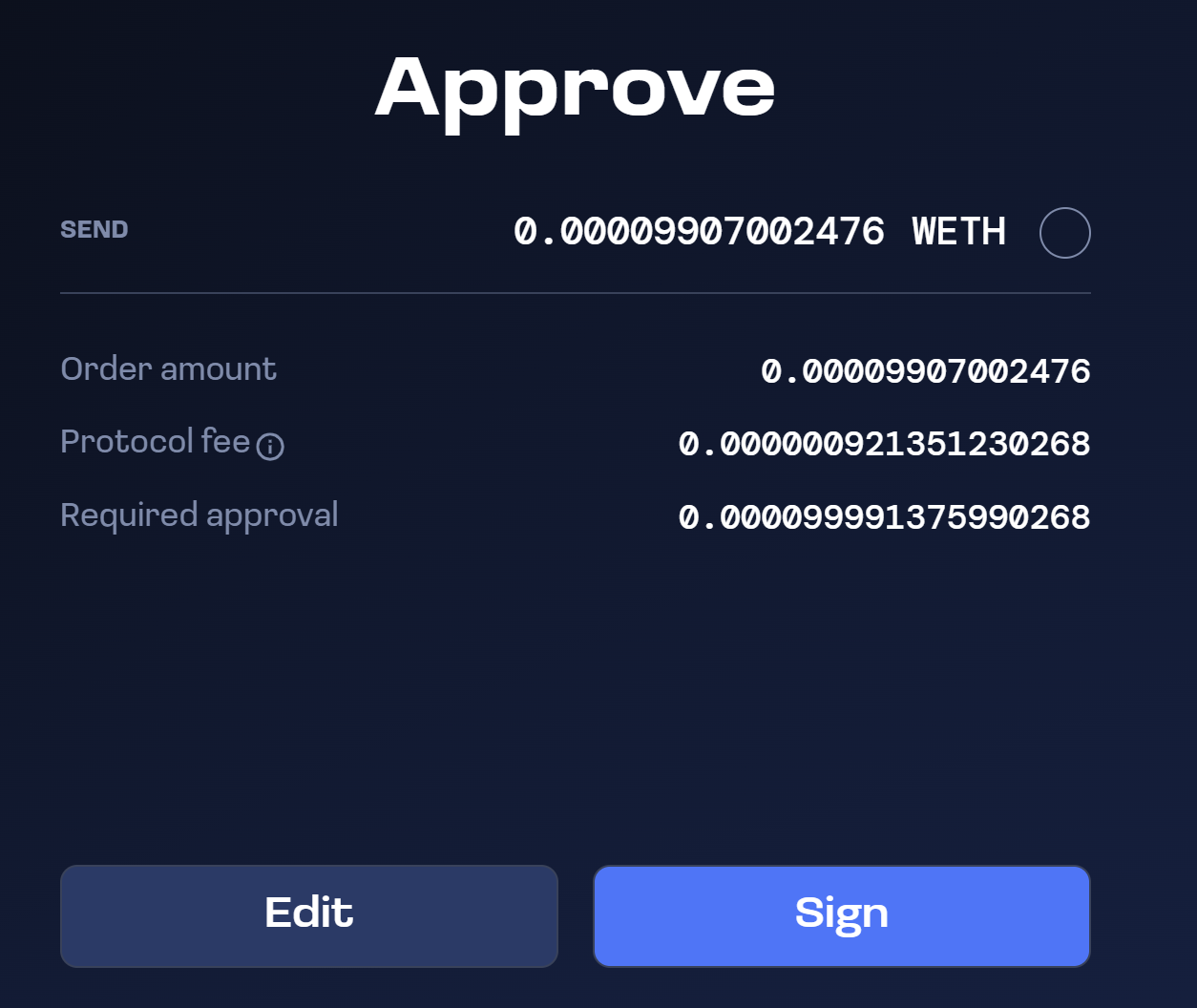
Press Sign to initiate token approval. The tokens will remain in your wallet but will be approved for spending and will be transferred from your wallet when the order is taken.
After approval, press "Sign" again to create the order. This will take you to a final order confirmation page where you can "copy link" to the order.
Send the order link to the counterparty purchasing the Swap Tokens so they can take the order.
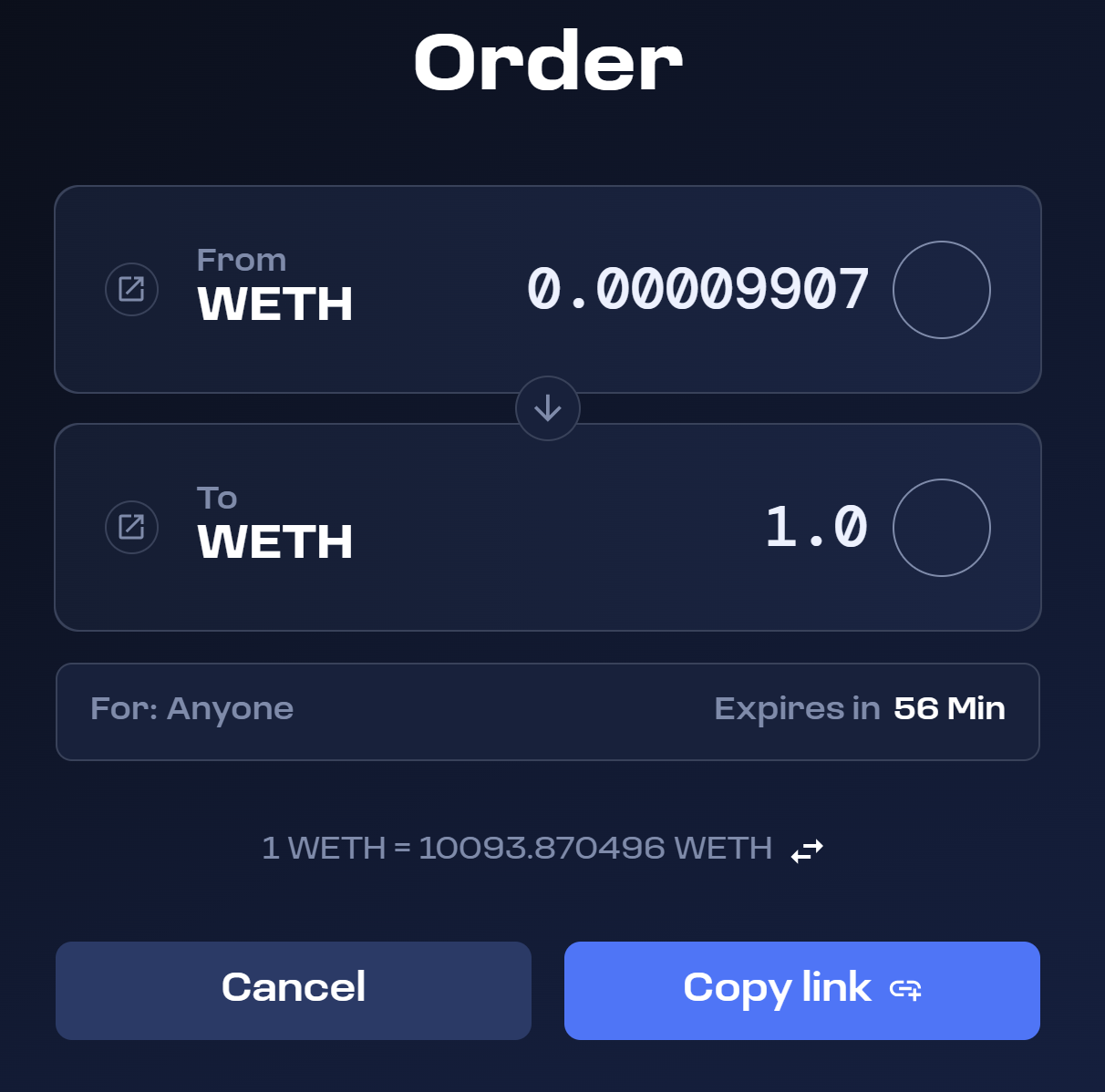
Taking an order
After receiving the link to an order, perform the following steps:
Review details
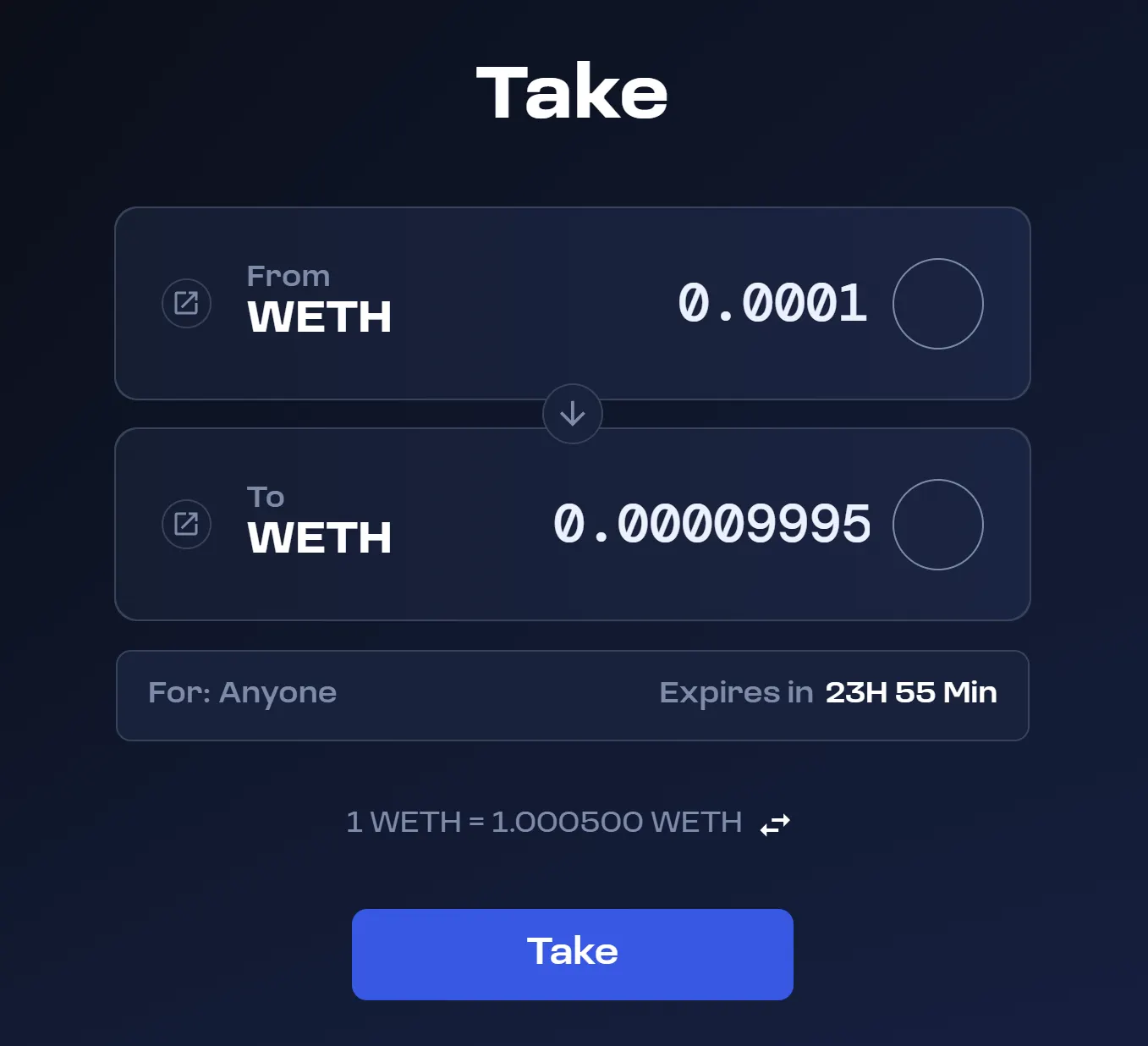
Review the following details of the trade:
A. Correct contract address of the Swap Token B. Correct payment token C. Correct price to be paid
If the above are correct, proceed to press “Approve” which will trigger a token approval for the payment token.
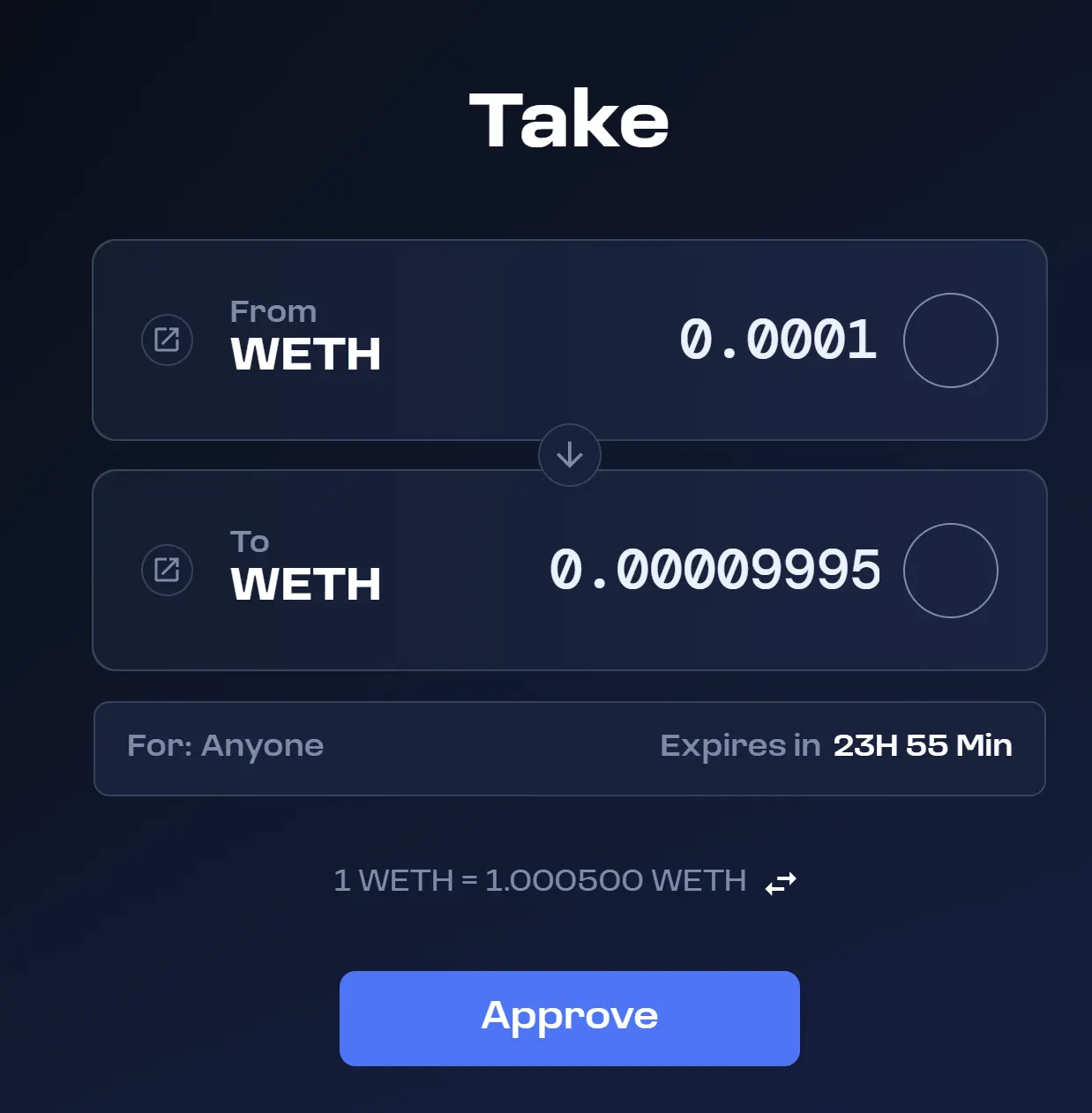
Take the order
Following the approval of the payment token, you are ready to execute the trade by pressing Take which will trigger another transaction in your wallet.
Swap completed
After the transaction is completed, your Swap Tokens will directly arrive in your wallet.
Last updated